Snowplow v3
This template implements the Snowplow JavaScript tracker v3.
The template supports all the features of the tracker, with a few exceptions due to the limitations of custom templates’ sandboxed JavaScript.
Caveats
To begin with, some of the caveats of using the Custom Template.
- Any methods that require the parsing of HTML elements (e.g. link tracking filter functions, cross domain linking) will not work and are thus disabled.
- Automatic error tracking does not work due to lack of support for the
ErrorEventAPI. - There is no implementation for the legacy ecommerce events. Users are encouraged to implement the enhanced ecommerce setup instead.
Instructions
Here are basic instructions for how to instrument the JavaScript tracker v3.
In general, when the tag fires, it first checks if the Snowplow JavaScript library has been loaded from the self-hosted URL provided in the template settings (more on this below). Then, the tag checks whether a tracker with the given Tracker Name has already been initialized. If not, it proceeds to initialize the new tracker.
Finally, the tag bundles a command from the settings in the tag, and sends it to the given Collector Endpoint.
Settings Configuration
The Tag template requires a Snowplow v3 Settings Variable to be configured. This variable contains the information required for the Tag to appropriately initialize the tracker.
Once a settings variable has been configured, it can be attached to the Tag in the Tracker Initialisation section.
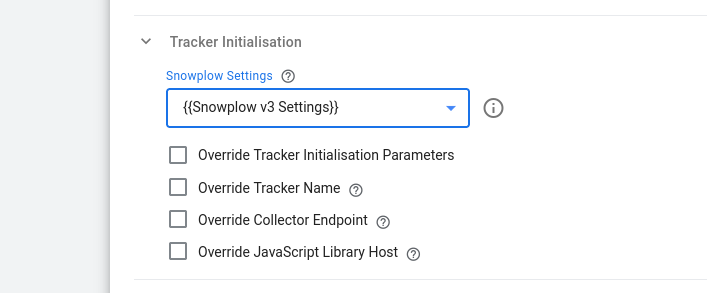
You can also choose to override some of the parameters specifically for this tag if you wish to, such as the Tracker Name or the Collector Endpoint.
Self Hosted JavaScript Tracker
If you have the Snowplow library self-hosted, and have configured it as such in your Settings variable, you need to update the Injects Scripts permission to reflect the new location, by editing the Snowplow Analytics v3 Tag template. Delete the content of the Allowed URL Match Patterns field, and type the full URL to the library there. Again, it must match what you input into the tag itself when creating it.
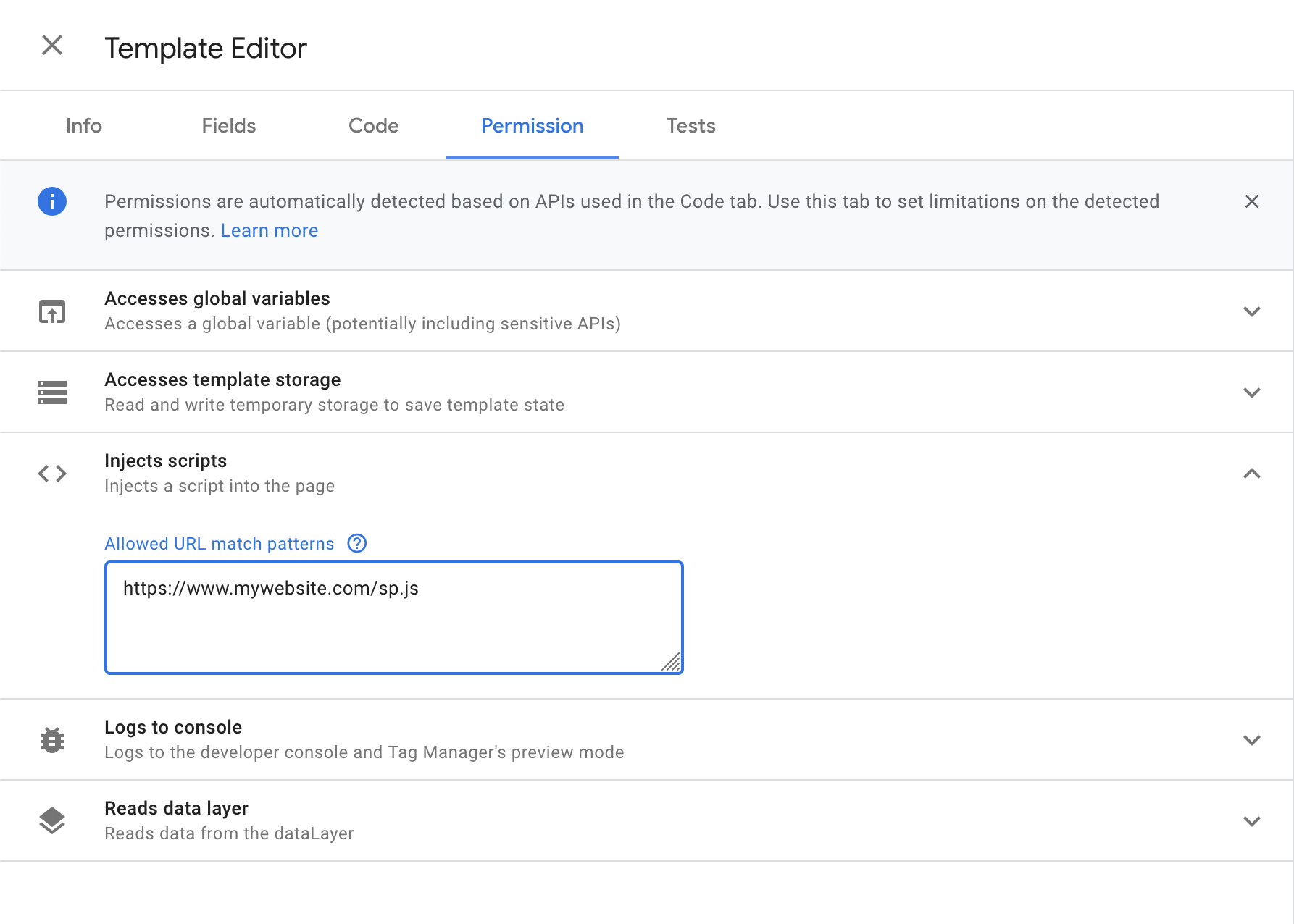
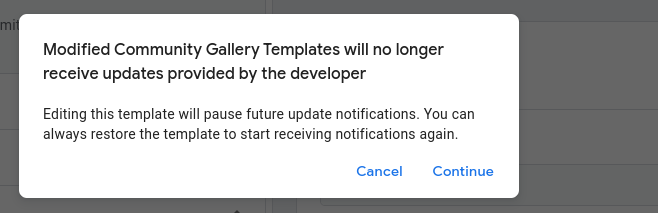
Modifying permissions breaks the gallery link and you will no longer be notified about updates to the template.
Since v1.1.0, an alternative to prevent breaking the gallery update link is to use the Do not load option from the corresponding drop down menu:
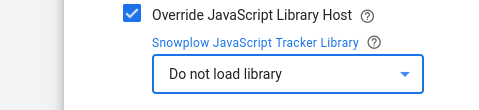
Using this option means that the Snowplow v3 Tag will not inject the Snowplow JavaScript Tracker library on the page and can be used only when the Tracker Snippet is loaded with another technique, e.g. directly on the page or through another GTM tag. (This is also supported as a configuration option since v1.2.0 of the Snowplow v3 Settings Variable.)
Acknowledgements
Thanks to Simo Ahava for building the initial release of this template.