Define a Signals tutorial service
Services group attribute groups together for serving to your applications.
To create a service, go to Signals > Services in Snowplow Console and click Create service.
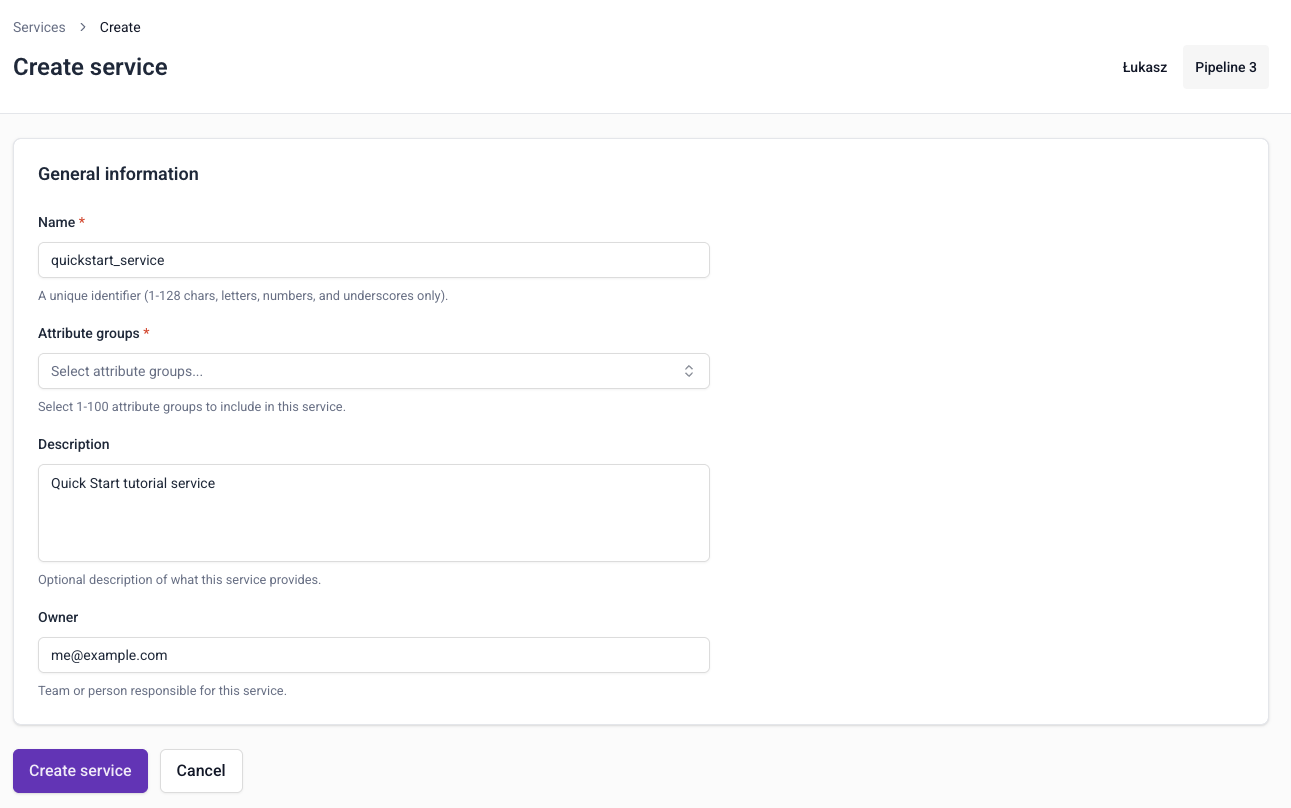
Configure basic service information
Specify the configuration for your service:
- Name:
quickstart_service - Description: Quick Start tutorial service
- Owner: your email address
The name will be the service's unique identifier. The description and owner are optional.
Select attribute groups
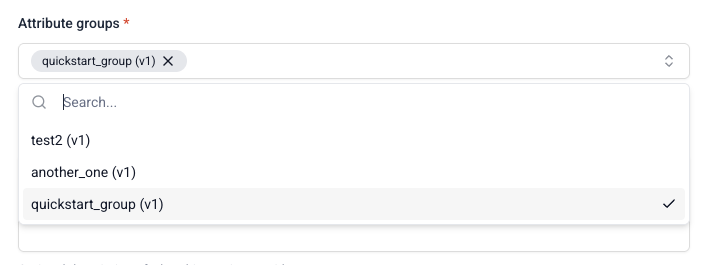
When choosing which attribute groups to include, you'll select a specific version of each attribute group.
To add an attribute group:
- Click the attribute group selector
- Search for and select the group you just created,
quickstart_group (v1)
If quickstart_group (v1) attribute group isn't showing up, check that it's published.
Create the service
Click Create service to save your service configuration. Services are automatically published as soon as they're created.
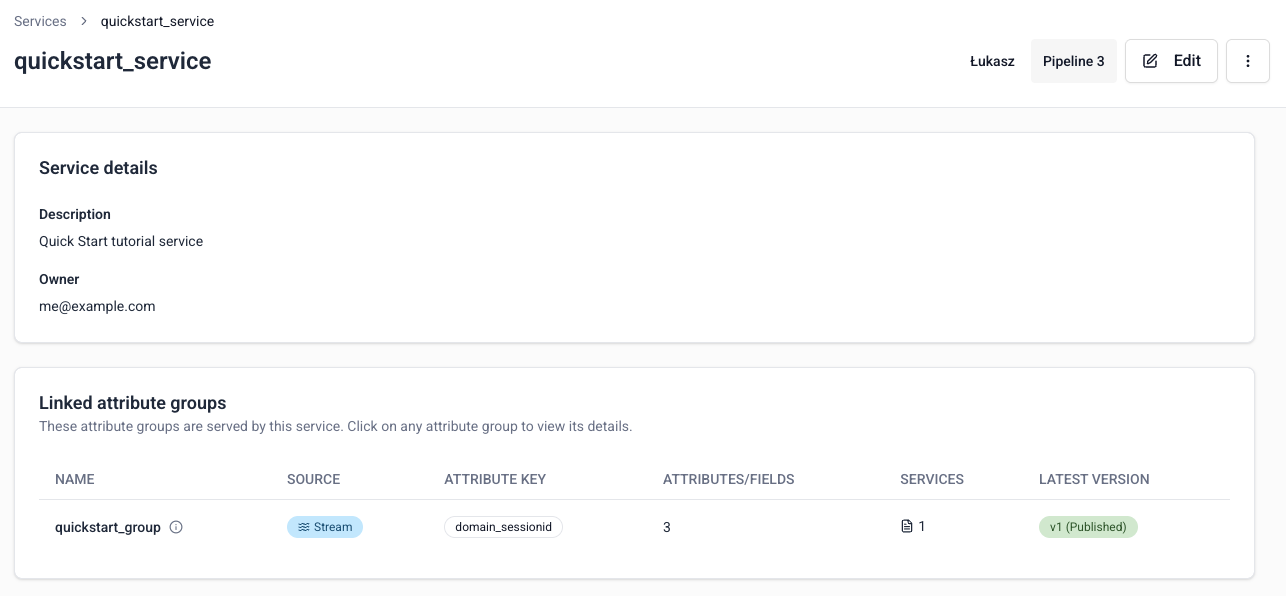
Your service is ready to use for retrieving attributes from the Profiles Store.