Run and test your new attribute dbt models
Now that your models are generated, it's time to run them and verify that everything works as expected. This step allows you to test your models locally before moving them to production.
During the run process:
- dbt will compile your SQL models
- Tables will be created in your data warehouse
- You'll see progress updates in the terminal
- Any errors will be clearly displayed
Best practice to ensure successful model runs:
- Always test your models after generation
- Review the generated SQL for accuracy
- Document any custom modifications you make
- Keep track of model versions
- Regularly update your models as your data evolves
Configure dbt
Before running your new models, you'll need to configure their dbt connection profile. Read more about this in the dbt documentation. The batch engine doesn't generate a profiles.yml because it isn't best practice to store credentials in the same place as models.
Run the models
After configuring dbt, you can run your models locally using the dbt run command.
For your first run, you'll want to do a full refresh to ensure all tables are created properly:
dbt run --full-refresh
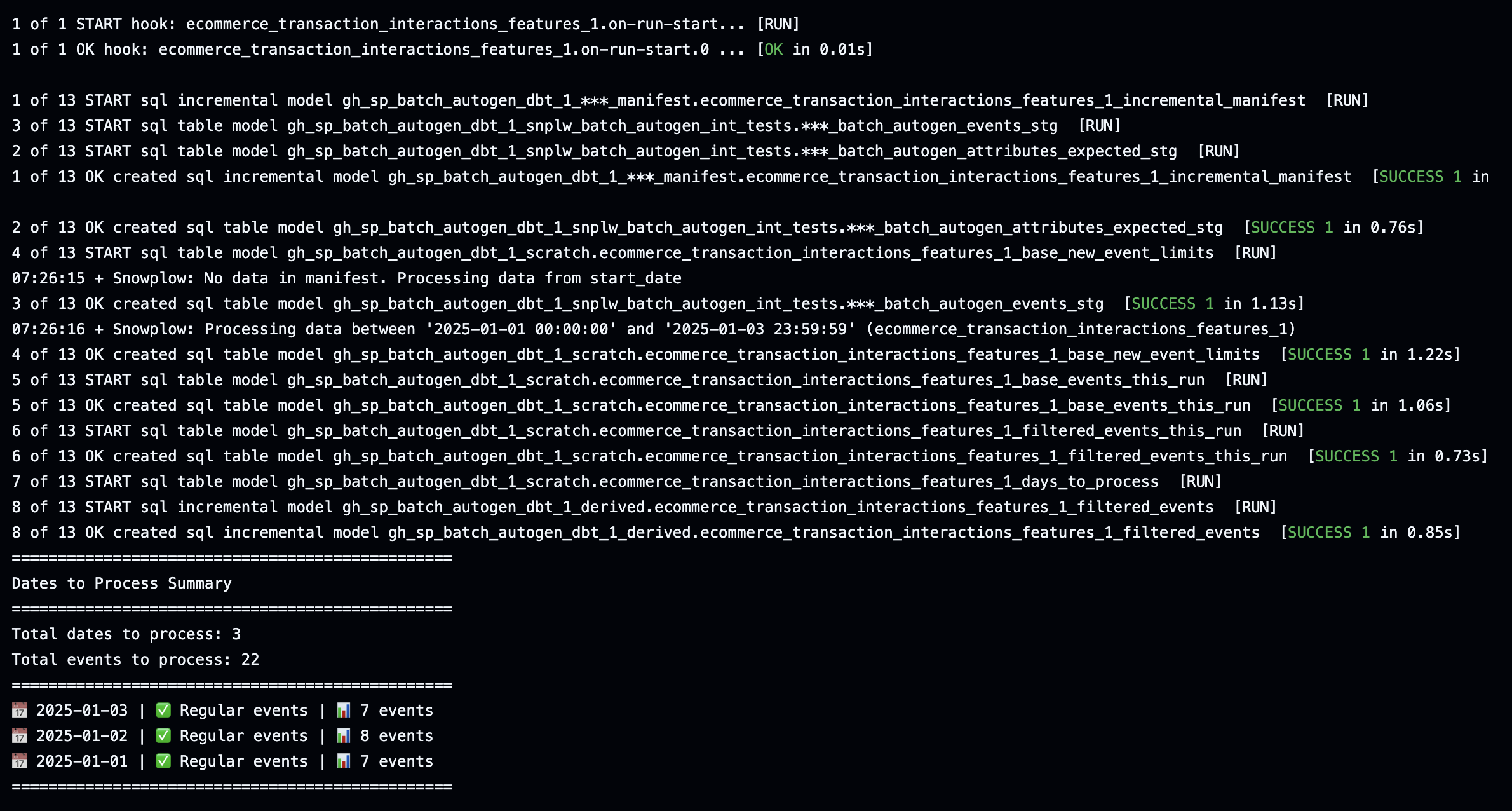
For later runs, you can use the standard command:
dbt run
Running the models will create tables of your newly calculated attributes.
Test and validate
It's important to test your models before moving them to production. The local testing phase is your opportunity to:
- Verify that the generated models meet your requirements
- Make any necessary adjustments to the models
- Explore the data transformations
- Ensure data quality and accuracy
Follow your standard dbt testing process.
Make sure all your data is processed
The first time the model is run, not all your data might get processed. Processing is dictated by the variable snowplow__backfill_limit_days. You could increase this to a larger number depending on the data volume and how much data you need to backfill. You might be able to process everything in one run, or after a few runs.
Run dbt snapshot
Once your data is fully backfilled, you are ready to run dbt snapshot. The attributes table captures the latest values for each attribute key in a drop and recompute fashion. Once you start running the dbt snapshot linked to this table, the sync engine will only process changes to specific attribute keys. It will only sync attribute keys where at least one attribute value changed since the last time data was sent to the profile store.
This optimized syncing saves processing cost. Once you start syncing, you'll need to incorporate dbt snapshot runs after each time you run your dbt models. More on this in the next step.