Run the Kafka live viewer profiles application using LocalStack
The following steps will deploy the solution accelerator using Localstack.
Step 0: Prerequisites
- Open a terminal
- Install Docker and Docker Compose
- Clone the project and navigate to its directory
git clone https://github.com/snowplow-industry-solutions/kafka-live-viewer-profiles.git
- Create a
.envfile based on./docker/.env.example - You can leave the AWS variables as placeholders when using Localstack
ACCEPT_LICENSE="true"
AWS_REGION=eu-west-2
AWS_ACCESS_KEY_ID=xxxxxxxxxxxxxxxxxxxxx
AWS_SECRET_ACCESS_KEY=xxxxxxxxxxxxxxxxx
AWS_ENDPOINT_URL=http://localstack:4566
Step 1: Start the containers
Run the following command to download and run everything in Docker:
./docker/up.sh
Details on everything that's installed can be found in the architecture section on the previous page.
Tips:
- Use
Ctrl+Cto stop services but keep containers running - Pass service-specific options to
./docker/up.sh(e.g.,./docker/up.sh kafka-services)
Step 2: Open the web tracking front-end
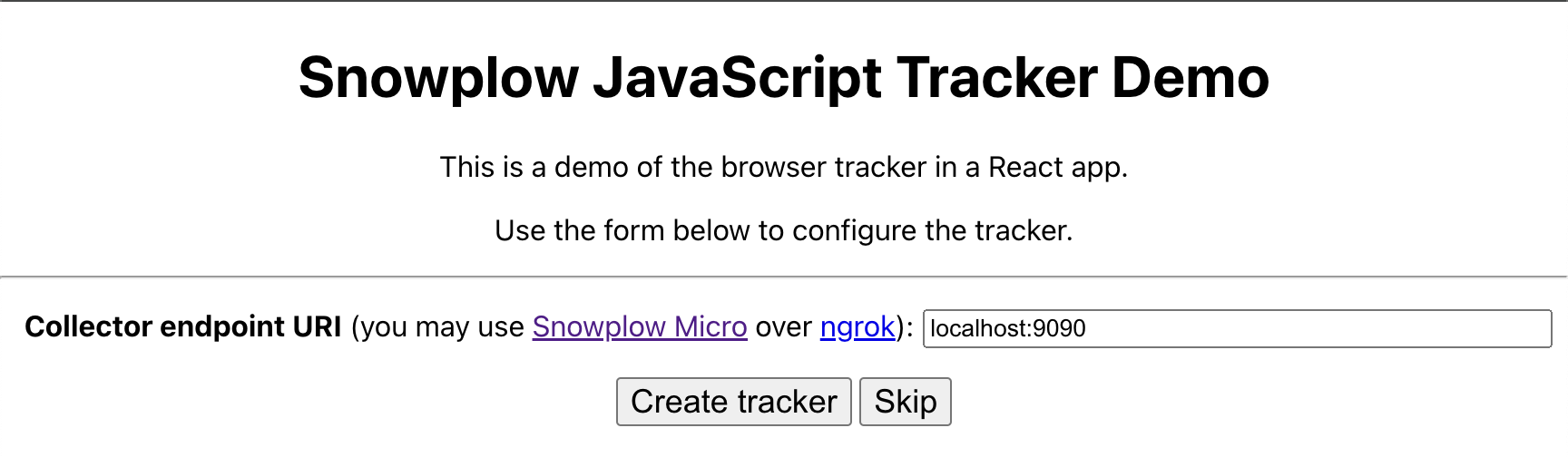
Visit http://localhost:3000 to configure the Stream Collector endpoint and start tracking events. Enter the Collector URL: localhost:9090 and click Create tracker.
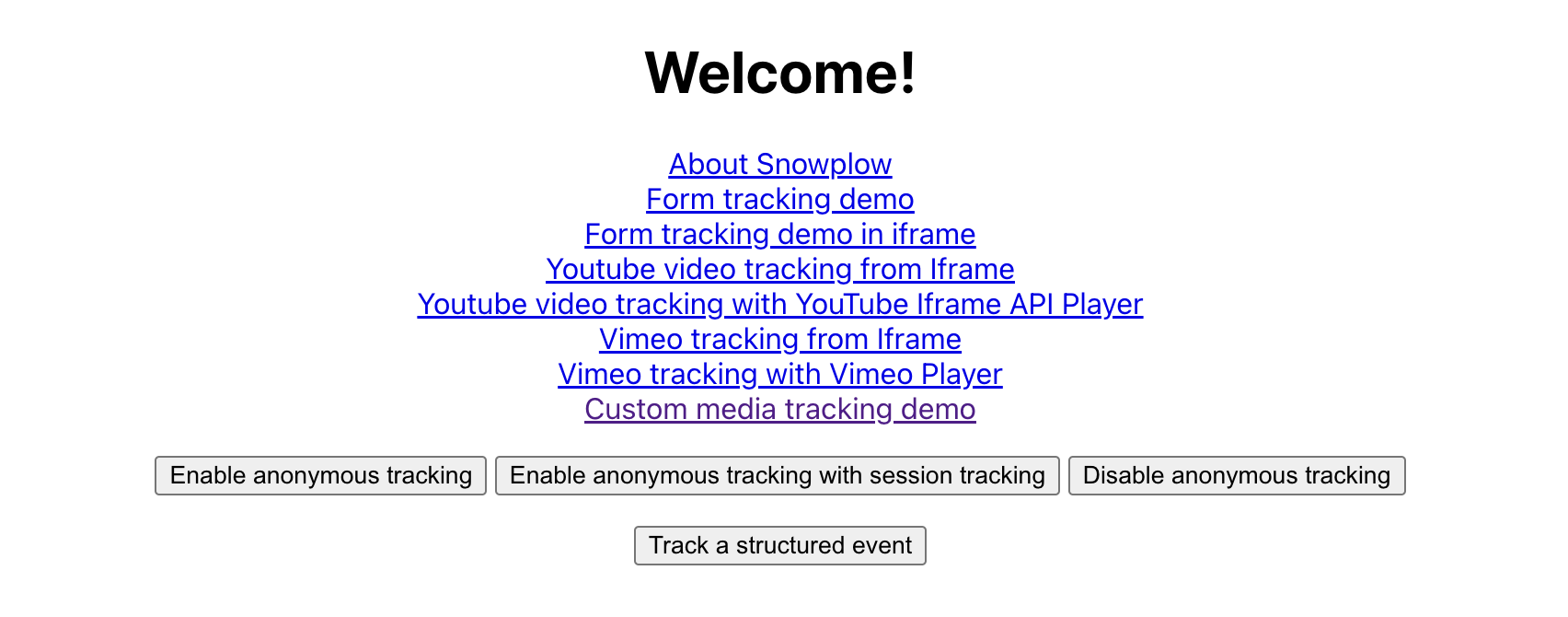
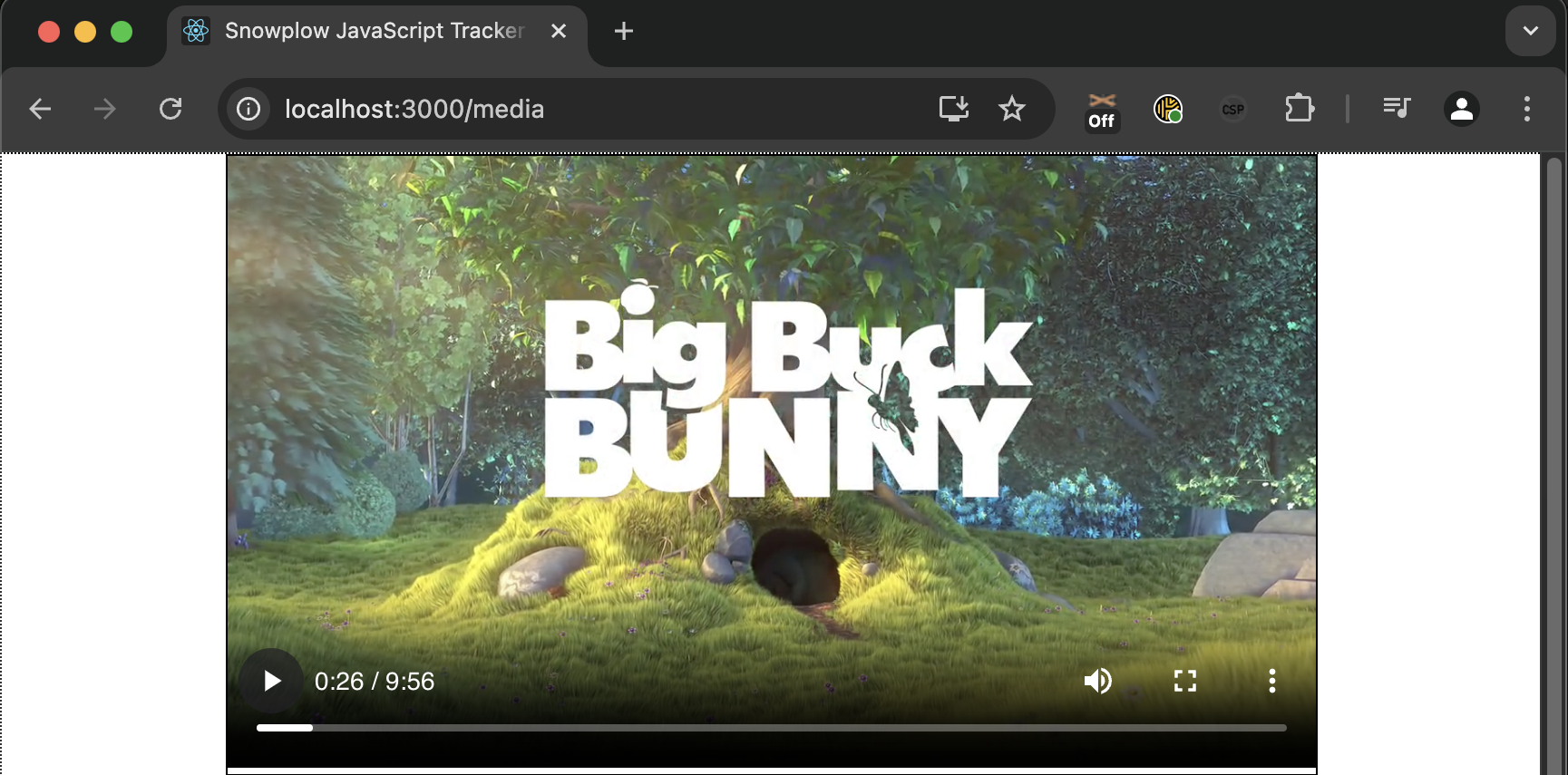
On the next screen, click Custom media tracking demo. This will bring up a video and a screen that displays information on what events are sent from the browser to the pipeline. If you want to simulate multiple users watching the video at the same time, you can open this in separate browsers.
You must keep this window open with the video playing because everything here is running in real-time. You can use the Snowplow Chrome Plugin to verify that the events are successfully sent from the web browser.
Step 3: Open the Live Viewer front-end
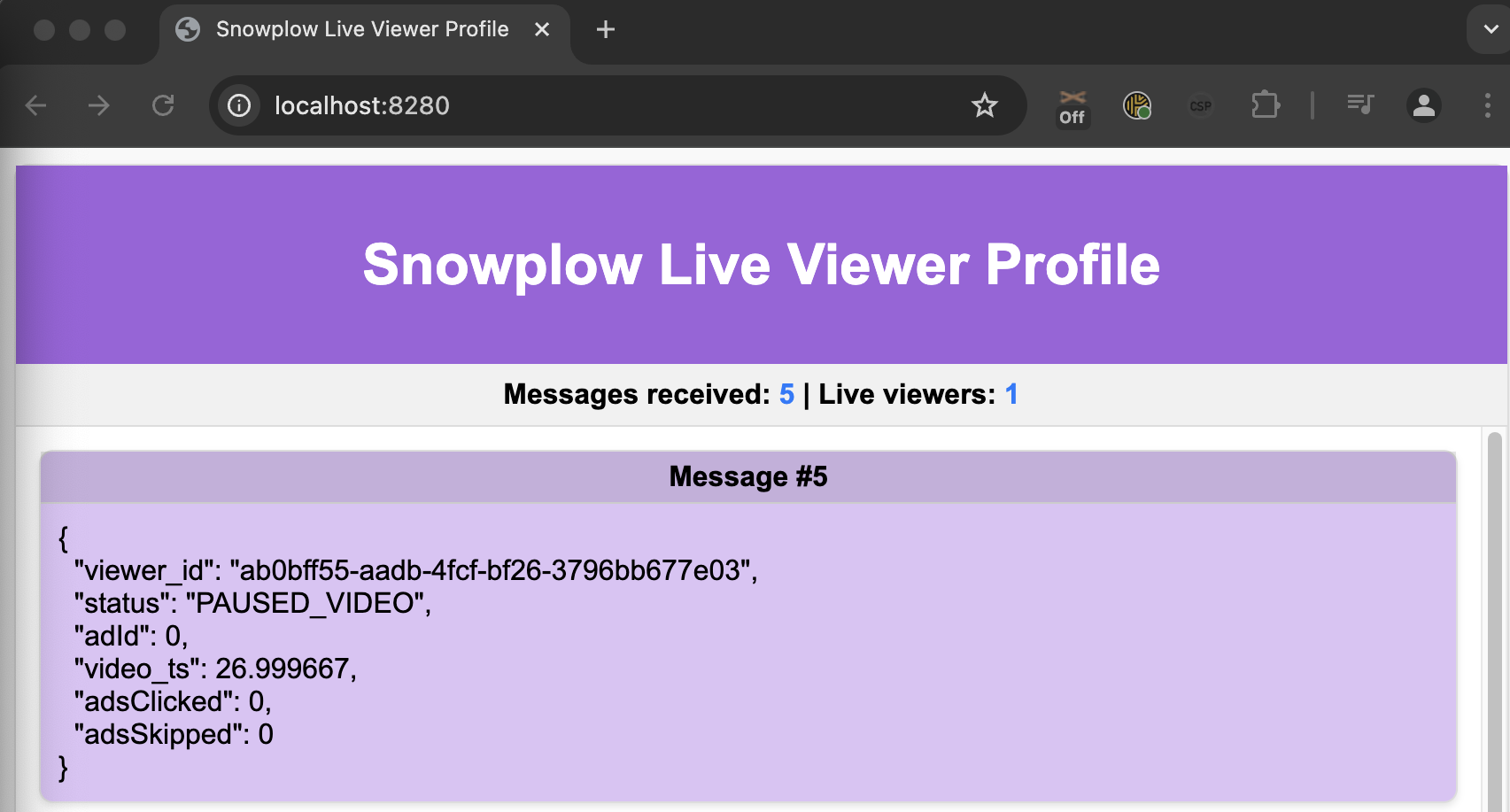
Open http://localhost:8280 in a separate window. This will display the active users and their current state (e.g. watching video, watching advertisement, paused).
Congratulations! You have successfully run the accelerator to stream web behavior through Snowplow and Kafka to a real-time dashboard.
Next Steps
- You can implement Snowplow media tracking on any HTML5 or YouTube media of your choice
- Look into the output from Kafka and extend the Live Viewer to include information on the media being watched and the user.
- Use our supplied Terraform in the next section to run this on AWS and make it publicly available.
Other things you can do
View Events in Kafka UI
Access http://localhost:8080 to review events within the Kafka UI.
Manage containers with LazyDocker
Run the following command to manage containers visually:
sudo ./docker/lazy.sh
Inspect infrastructure with LocalStack UI
Visit the LocalStack UI to inspect infrastructure components such as Kinesis and DynamoDB. Please note that a LocalStack account is required to view this.
Cleaning up
Stop the containers
Shut down all running containers:
./docker/down.sh
Clean up and delete
To remove all containers and images, use:
./docker/clean.sh
This command will delete all generated data.