Debugger
caution
You are reading documentation for an outdated version. Here's the latest one!

Installation
npm install @snowplow/browser-plugin-debuggeryarn add @snowplow/browser-plugin-debuggerpnpm add @snowplow/browser-plugin-debugger
Initialization
javascript
import { newTracker, trackPageView } from '@snowplow/browser-tracker';
import { DebuggerPlugin } from '@snowplow/browser-plugin-debugger';

newTracker('sp1', '{{collector_url}}', {
   appId: 'my-app-id',
   plugins: [ DebuggerPlugin() ],
});
Debugging
Adding this plugin will automatically start printing out debug logs to your Developer Tools console. This will help you debug what events are being tracked and what properties are included in each event that is being tracked and to what tracker instance.
Note: You may need to enable Verbose logs in your Developer Tools, as this plugin uses console.debug to output results.
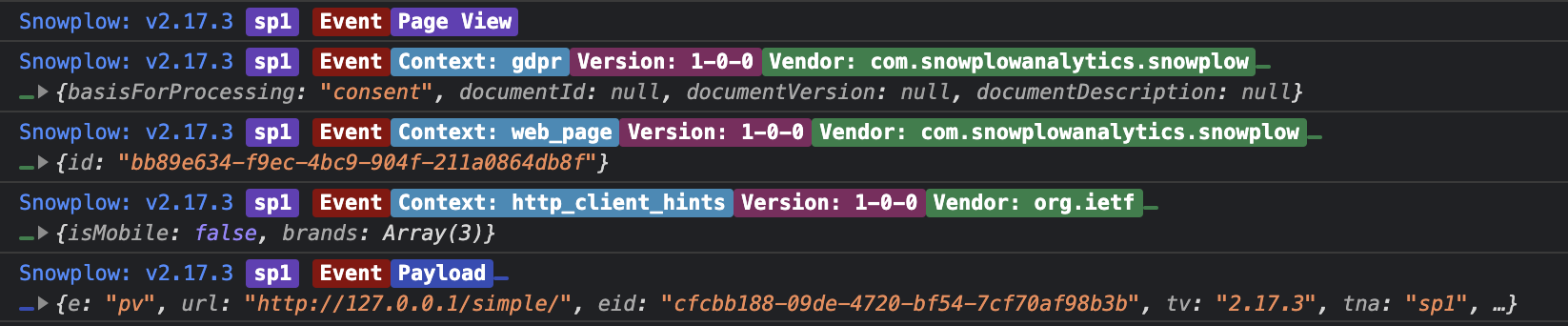
An example of the output from this plugin