Set up Signals
Before you can define attributes or interventions, you'll need to enable Signals for your organization. This is a one-time task, done in Snowplow Console.
Signals calculates attributes from events flowing through a Snowplow pipeline. If you don't have one, you can start on the Signals free tier. It needs no credit card.
Enable Signals
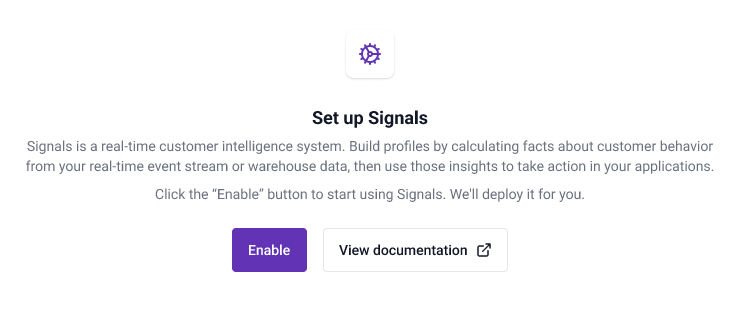
Log in to Console and navigate to the Signals section. Click Enable to start setting up Signals.
Signals can also be deployed without connecting to a warehouse. Snowflake, BigQuery, and Databricks are supported.
You'll need to:
- Select which warehouse to use
- Specify your warehouse account details
- Specify your Snowplow atomic events table
- Run the provided script
Click Test and create connection to trigger the Signals deployment. You'll be able to start using Signals as soon as the infrastructure is ready.
Next steps
Once the infrastructure is ready, navigate to the Signals section to manage Signals in the UI. Use the configuration interface to define attribute groups, services, and interventions.
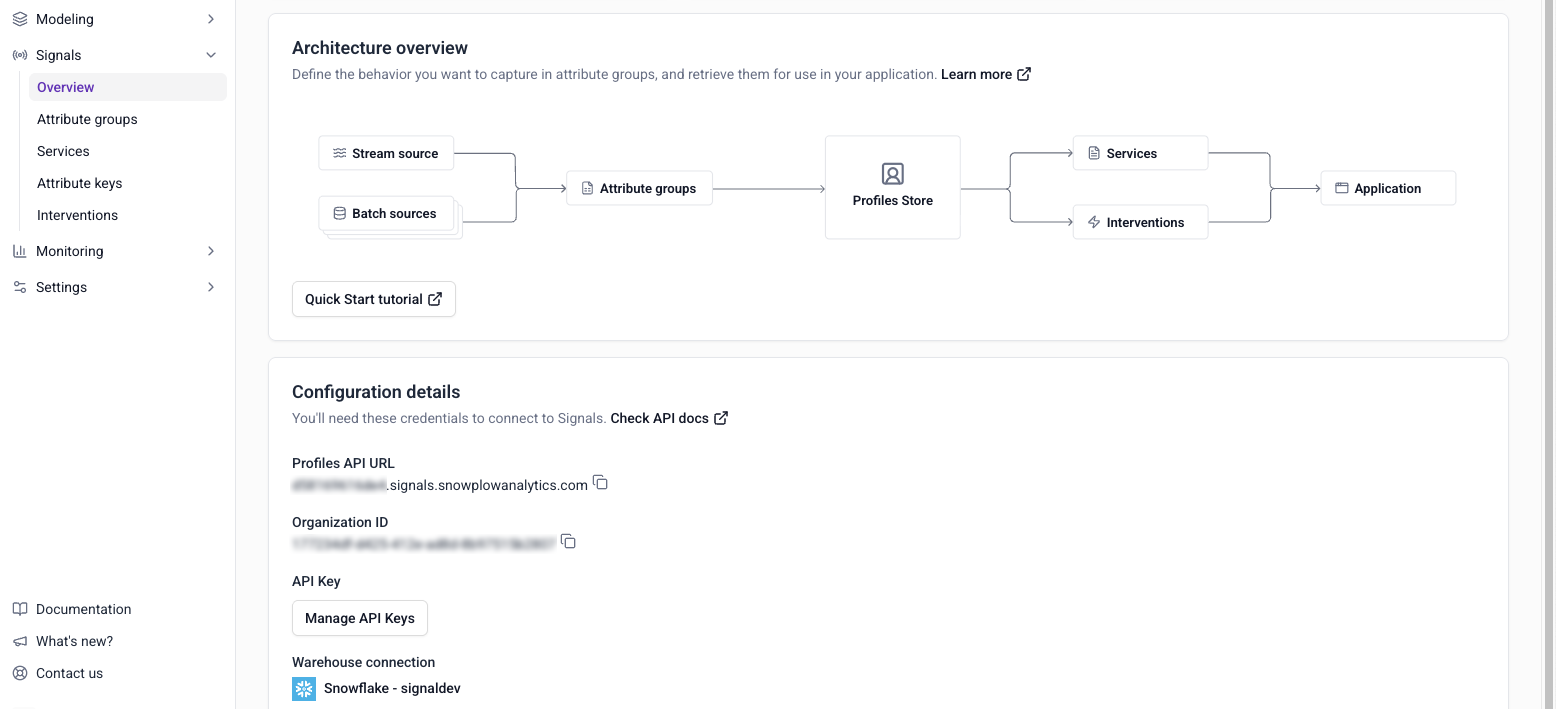
To work with Signals programmatically, using the SDKs or API instead of (or alongside) Console, see Connect to Signals.
For deployment options and how Signals is metered, see pricing on the Signals site.