Set up classic alerts
Snowplow can send two types of pipeline alerts to help you monitor failed events:
- New failed event: receive an alert within 10 minutes of a new type of event failure being detected on your pipeline.
- Failed event digest: receive a daily digest of all failed event activity in the previous 48-hour period.
To receive alerts you must have the failed events monitoring feature switched on in Snowplow Console.
Subscribing to alerts
- Login to Snowplow Console
- Locate the pipeline you wish to set up alerts for in the left-hand navigation
- Click on the
Configurationtab, then thePipeline alertssection
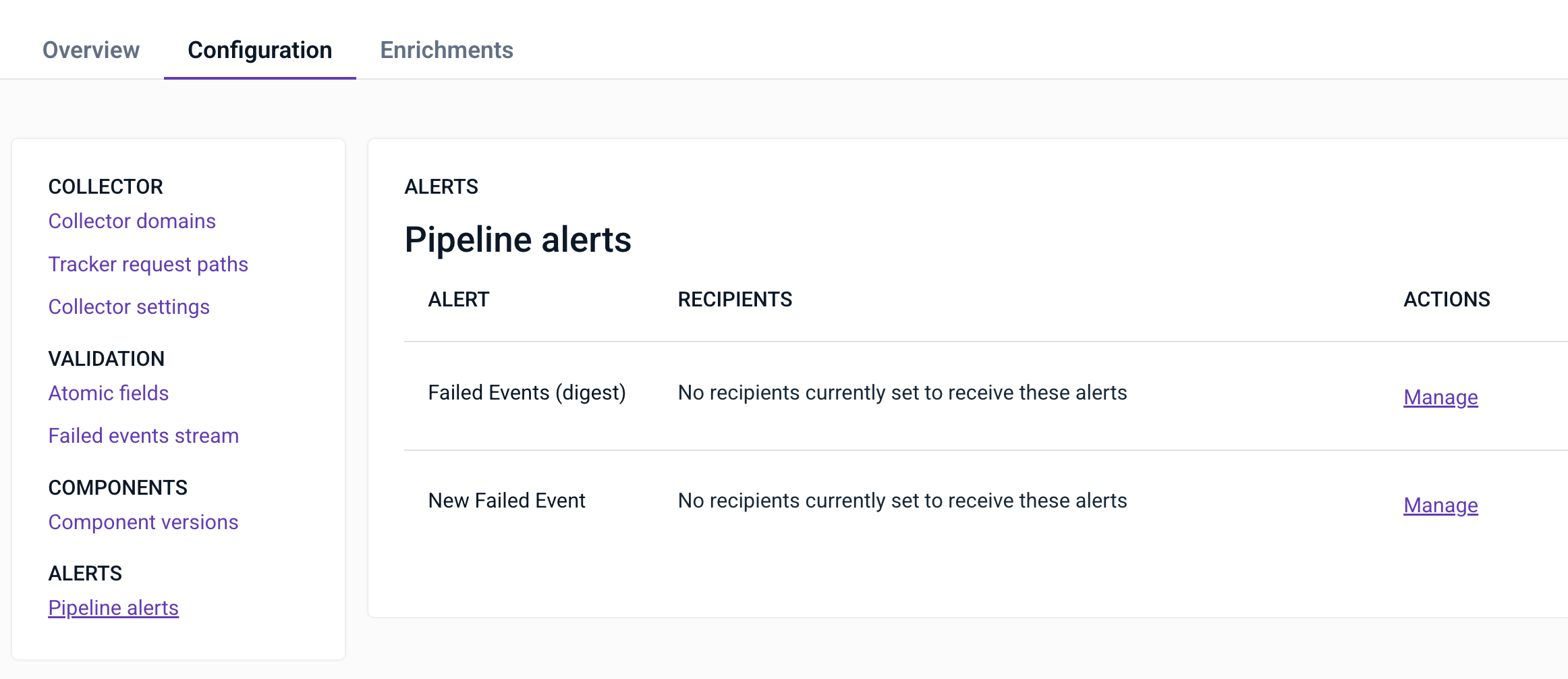
- Click
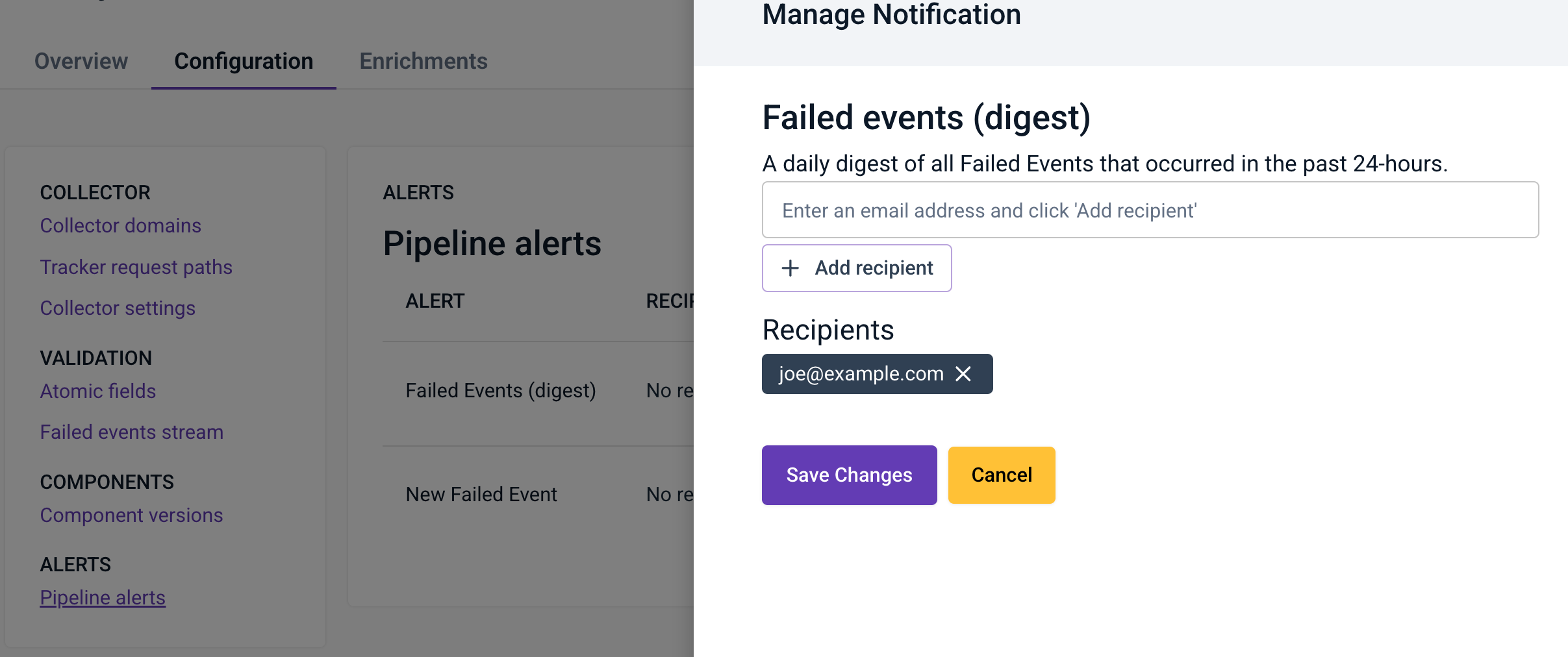
Managefor the alert you wish to subscribe to - Add one or more email addresses by typing them into the input and clicking
Add recipient - Once you have added all recipients, click
Save Changes