For AI agents: a Markdown version of this page is at https://docs.snowplow.io/docs/event-studio/source-applications/create.md. The index of all documentation pages is at https://docs.snowplow.io/llms.txt, and the index for this section is at https://docs.snowplow.io/docs/cdi/llms.txt.
Create a source application in Console
Register each independently deployable application, such as a web application, an Android application, or an iOS application, as a source application. A source application represents the tracking estate of one application on a specific platform. Its application IDs and application entities flow down to the tracking plans and event specifications that reference it. See Plan source applications for how source applications work.
Before you begin
Decide how many source applications you need, and which application IDs each one uses. Snowplow recommends a unique application ID for each deployment environment, for example ${appId}-qa for staging and ${appId}-dev for development.
Also decide which application entities you will implement and expect with every event from each application.
Create the source application
To create a source application in Console:
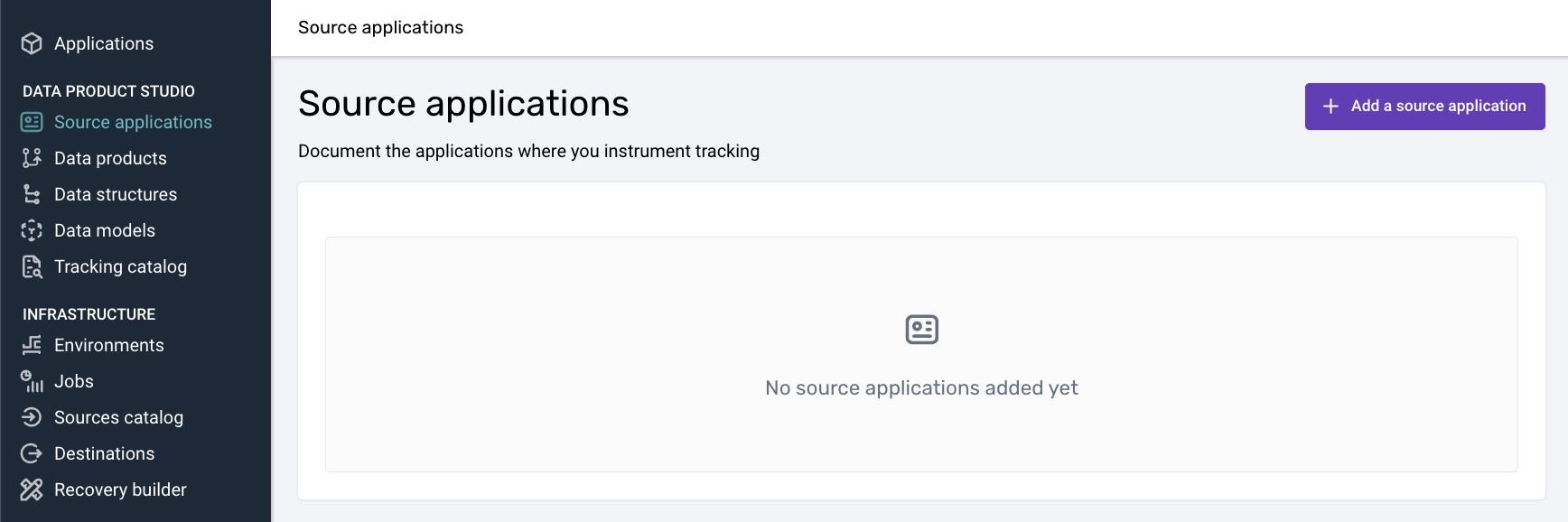
Open the source applications list
Navigate to the Source applications section and click Add a source application.
Enter the source application details
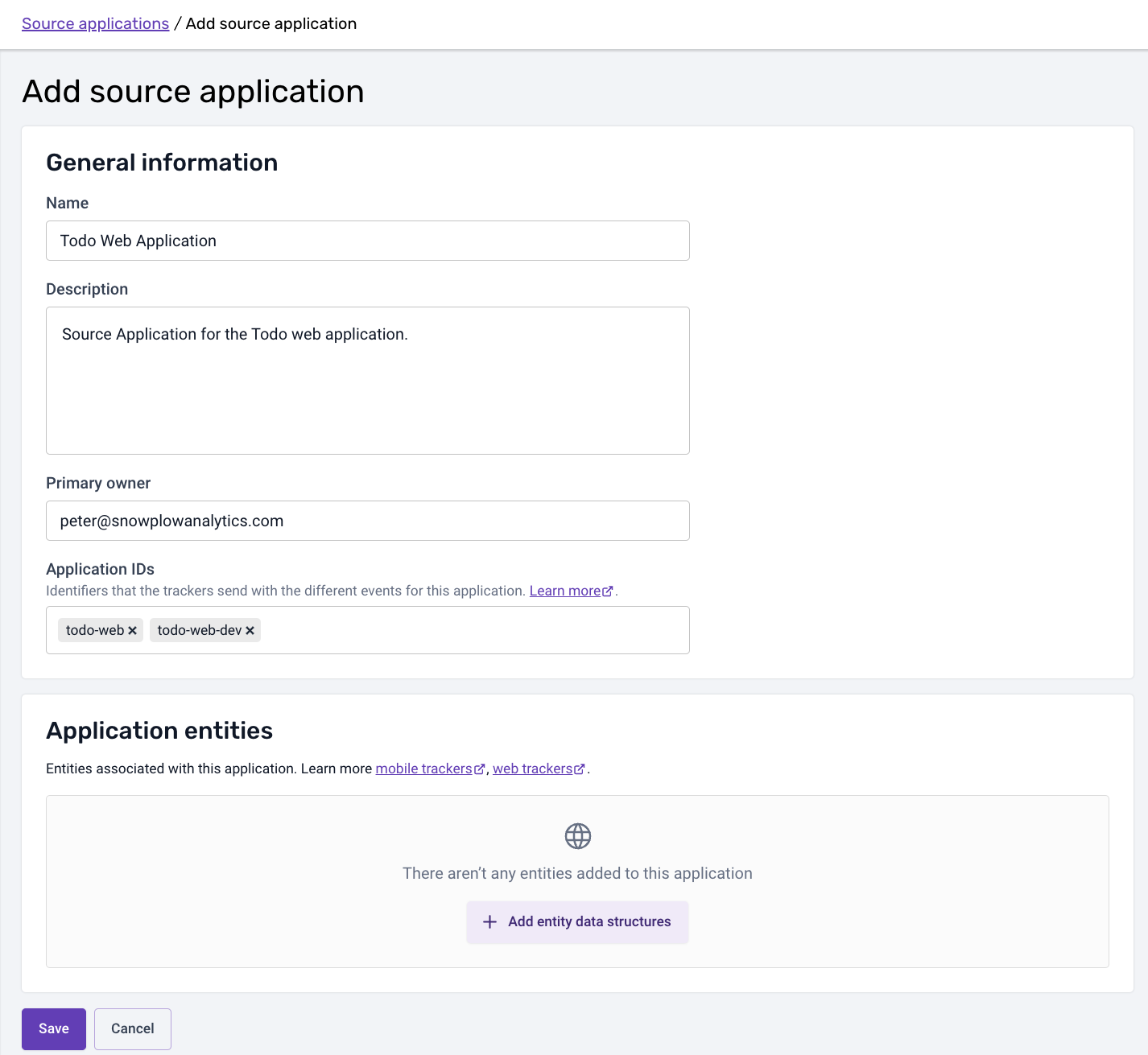
Fill in the inputs on the creation screen:
- Name: a name for the application that is understood across your organization
- Description: a few words on what the source application represents, and any notes
- Primary owner: the owner's email address
- Application IDs: the application IDs expected for this application, for example one per environment such as
${appId}-dev. The application IDs automatically flow down to the tracking plans and event specifications that relate to this source application - Application entities: the application entities you will implement and expect with every event from this application. If an application entity is only set conditionally, mark it as optional, with a note explaining the condition
To use the source application, connect it when you create or edit a tracking plan. Once you have created a source application, you can use the Set up tracking tab to initialize a tracker: see Initialize the tracker from a source application. You can also generate a source application definition as code with the Snowplow CLI, or create source applications with an AI assistant connected to the Snowplow MCP server.